
Facebook https://www.facebook.com/northwestiowaALR

The Northwest Iowa chapter of the American Legion Riders (NWIAALR), based out of American Legion’s Wasmer Post 241 in LeMars, Iowa, is one of Iowa’s fastest growing chapters.
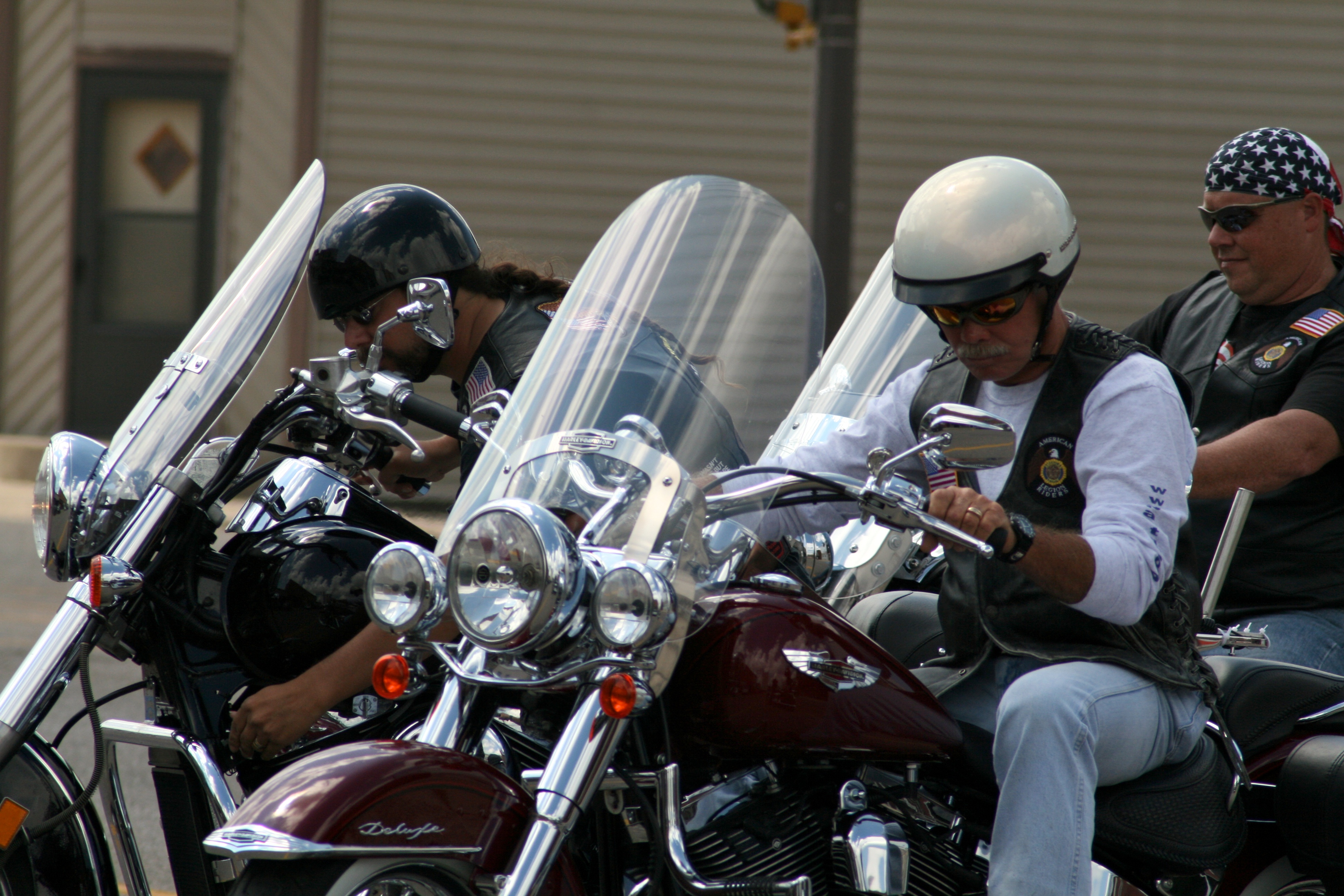
To quote the national American Legion Riders (ALR) web site: “The ALR are members of the American Legion who are also motorcycle enthusiasts. They can be found participating in parades, partaking in motorcycling events, and supporting the communities in which they live, work, and play. Members of the ALR come from the Legion, the Legion Auxiliary, and the Sons of the American Legion. The ALR was formed to participate in parades and other ceremonies that are in keeping with the aims and purposes of the American Legion, to promote motorcycle safety programs and to provide a social atmosphere for American Legion members who share the same interest, and to promote and support programs of the American Legion. The ALR is not a motorcycle club, and does not practice M/C rules or regulations. The ALR is family-oriented, just as is its parent organization, the American Legion.”

To learn more about the ALR, please feel free to poke your mouse at the links up there at the top. There’s lots of good info there. If you’d like to contact us regarding a Memorial Ride, Escort Mission, or anything of the like, please E-Mail our Director or our Ride Captain.
If you’re so inclined, feel free to check out the George O. Spain Jr. Memorial Healing Run – the chapter’s summer fundraiser.
Flags 4 Vets
A new program, “Mission: Flags for Vets” was made official within our chapter today. This was an idea created by one of our own, a new member Thad Hawkins. He has worked closely along with Chad Poeckes and other members of our group to really bring his idea to life. His idea, as an ex truck driver, was to deliver flags that he purchased himself to veterans in local nursing homes. He realized that the cost and amount of work to do this as one man was a lot to take on, so he brought his idea to me and we brainstormed on how to make his dream a reality.
With that being said, our mission is to ensure that all veterans are honored and recognized for their sacrifice to our country and our state. This mission is truly important as all veterans should know they are appreciated and that they will never be forgotten. We don’t feel a veteran should have to pass before being honored with a flag. We want to honor them while they are still with us and feel this is a great way to do so.
We want to honor those veterans residing in nursing homes and assisted living facilities by presenting each of them with a folded American flag adorned with a personalized dog tag, a 988 wristband and a personal thank you card from whichever riders are participating in that day’s mission. We are hoping to have Hospice of Siouxland along on as many of our missions as possible, pinning each of the veterans as well. We are hoping to start our missions as soon as the weather is nice enough to ride. These missions/rides will take place each Sunday during the riding season as we are hoping to honor as many vets as possible. We have currently set the radius to all facilities within 50 miles of Le Mars. You do not have to join us on every mission, but we ask that you attend as many are you are able. Once you have completed 4 missions, you will be gifted the official “Mission: Flags for Vets” patch to be worn proudly on your rider vest.
Mission Ride Captain: Chad Poeckes
Founder: Thad Hawkins
Chapter Director: Doug Harms
District Chairman: Larry Haitz
If you would like to mail in your donation please use image below as an example. Note in the memo “FLAGS 4 VETS” or “GENERAL”
